
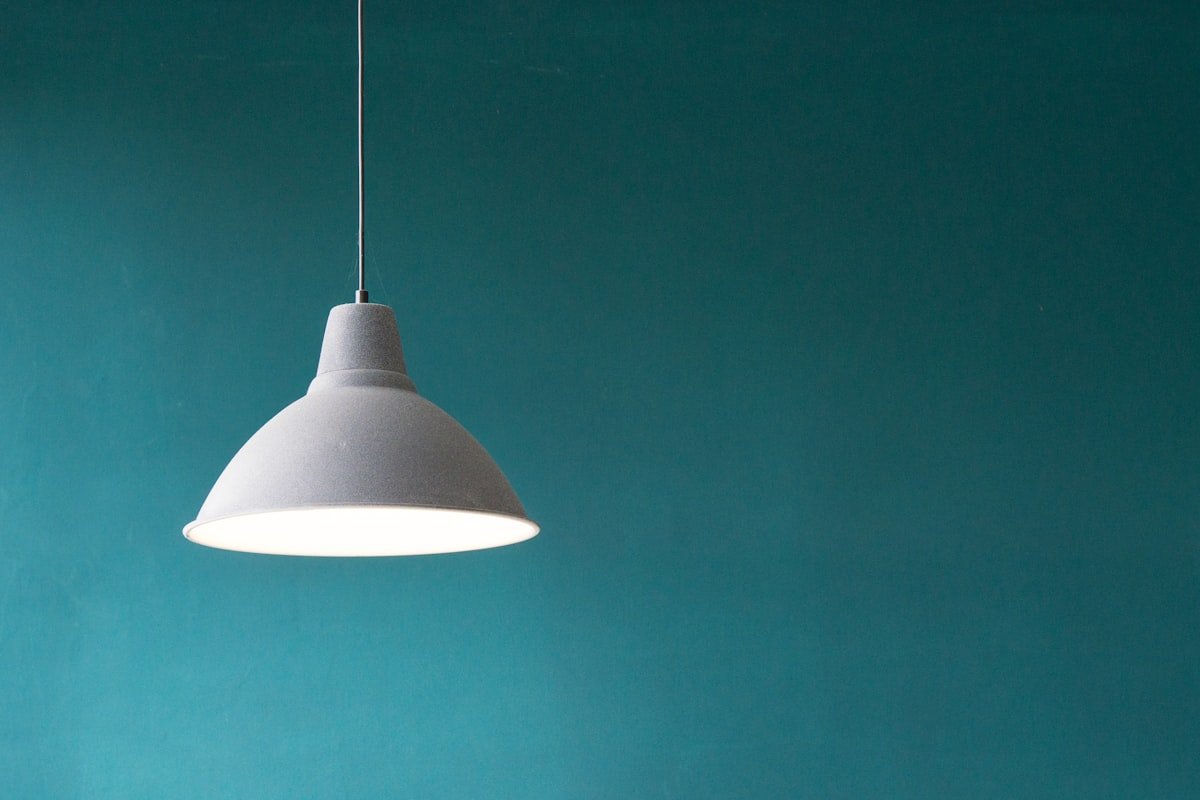

Proper lighting is one of the most overlooked elements of a productive writing workspace. If you have ever tried to write a 3,000-word article under a dim overhead light or squinted at your monitor in a dark room, you already know how quickly eye fatigue sets in. A good desk lamp does more than illuminate your keyboard — it reduces eye strain, improves focus, and can even boost your mood during late-night writing sessions.
In this guide, I have researched and tested dozens of budget desk lamps specifically for writers, bloggers, and content creators who spend long hours at their desks. Every recommendation on this list costs under $100, and most of them sit well under $50. I will cover what makes a desk lamp suitable for writing work, break down the best options by budget tier, and answer common questions about desk lighting for home offices.
Why Desk Lighting Matters for Writers
Reducing Eye Strain During Long Writing Sessions
According to the American Academy of Ophthalmology, extended screen time without proper ambient lighting is one of the leading causes of digital eye strain. Symptoms include dry eyes, blurred vision, headaches, and difficulty focusing — all of which directly hurt your writing productivity. A well-positioned desk lamp provides the ambient and task lighting your eyes need to stay comfortable during marathon writing sessions.
The key is contrast. When your monitor is bright but the surrounding area is dark, your eyes constantly adjust between the two extremes, causing fatigue. A desk lamp that illuminates your keyboard and desk surface creates a more balanced lighting environment that reduces this constant adjustment.
Improving Focus and Concentration
Research has consistently shown that lighting quality affects cognitive performance. A study published by the National Institutes of Health found that proper lighting in the 4000K to 5000K color temperature range improved alertness, mood, and performance on cognitive tasks. For writers, this means better concentration and fewer mental blocks during long writing sessions.
Cool white light (4000K to 5000K) is ideal for daytime writing because it mimics natural daylight and keeps you alert. Warm light (2700K to 3000K) is better for evening writing sessions because it reduces blue light exposure and helps your brain wind down. The best desk lamps offer adjustable color temperature so you can switch between these modes throughout the day.
Creating a Professional Video Call Appearance
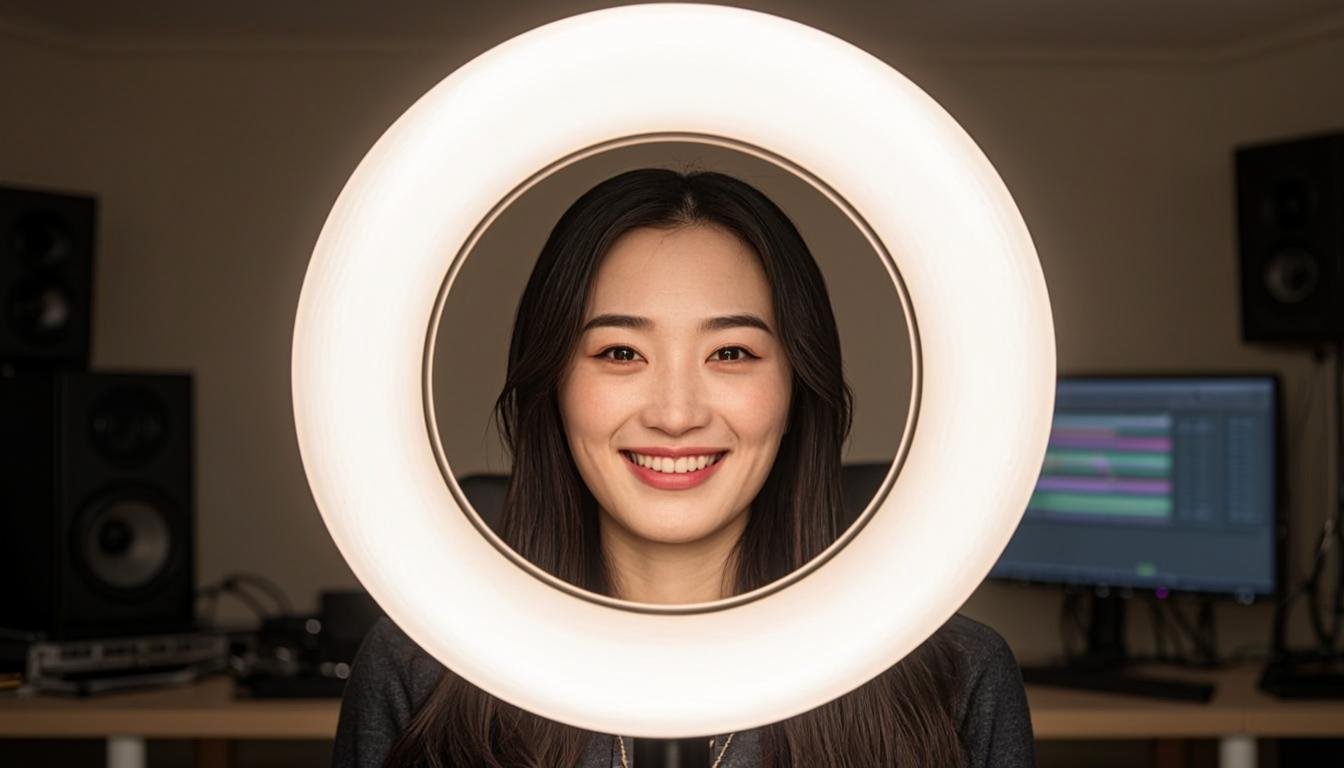
If you record YouTube videos, host webinars, or attend client calls on camera, proper desk lighting makes a visible difference in how you appear on screen. A desk lamp positioned behind your monitor or to the side of your face eliminates shadows and creates even lighting that looks professional on camera. Many content creators use desk lamps as part of their video lighting setup alongside ring lights and panel lights.
What to Look for in a Desk Lamp for Writing
Color Temperature Range
Color temperature, measured in Kelvin (K), determines how warm or cool the light appears. For a writing desk lamp, look for a model that offers at least three color temperature settings:
Warm white (2700K to 3000K): Best for evening use, reduces blue light exposure, easier on tired eyes. Think of the warm glow of an incandescent bulb.
Natural white (4000K to 4500K): Similar to natural daylight, good for most writing tasks, balances comfort and alertness.
Cool white (5000K to 6500K): Brightest and most stimulating, ideal for detailed work, reading fine print, or staying alert during afternoon slumps. This range mimics overcast daylight.
The most versatile lamps offer stepless or multi-step color temperature adjustment so you can fine-tune the light to your preference and time of day.
Brightness and Dimming
Brightness is measured in lumens. For a desk lamp used primarily for writing and computer work, you want at least 400 to 800 lumens. Look for models with stepless dimming (a smooth slider or dial) rather than fixed brightness levels, as this gives you more control over the exact light level.
If your desk is near a window and you get natural daylight during the day, you will need less artificial light. If your desk is in a corner with no natural light, you may need a brighter lamp. Consider your workspace layout when choosing brightness levels.
Adjustability and Positioning
A desk lamp for writing needs to be adjustable. Look for these features:
Adjustable arm: A gooseneck or swing arm lets you direct light exactly where you need it — on your keyboard, your notepad, or your monitor background. Flexible goosenecks are the most common and affordable option, while swing arms with joints offer more precise positioning.
Rotatable head: The lamp head should tilt and rotate to angle the light beam without creating glare on your monitor. If the head cannot be adjusted, you might end up with reflections on your screen that cause more eye strain than they prevent.
Stable base: The lamp should have a weighted base or clamp that keeps it stable. A lamp that tips over when you bump your desk is frustrating and potentially dangerous if it falls on your laptop.
Eye-Care Technology
The best desk lamps for writers include features designed to protect your eyes:
Flicker-free technology: Cheap LED lamps can produce invisible flickering that causes headaches and eye strain over time. Quality lamps use constant current drivers that eliminate flicker. Look for “flicker-free” or “no flicker” in the product specifications.
Blue light reduction: Some lamps include special filters that reduce blue light emission, which is particularly important for evening use. Blue light suppresses melatonin production and can interfere with sleep if you write late at night.
Even light distribution: A good desk lamp distributes light evenly across your desk surface without creating harsh hotspots or shadows. Panel-style lamps and lamps with diffusers typically perform better in this regard than bare LED bulbs.
Power Source and Energy Efficiency
Most modern desk lamps use USB-C or USB-A power, which is convenient because you can plug them into your laptop, monitor, or a USB hub. Some models also support battery operation, which is useful if you move between workspaces. LED lamps are the most energy-efficient option, consuming only 5 to 15 watts while producing the same brightness as a 60-watt incandescent bulb.
Best Budget Desk Lamps Under $30
1. IKEA TERTIAL — Best Ultra-Budget Pick
The IKEA TERTIAL has been a staple in dorm rooms and home offices for over a decade, and at just $15 to $20, it remains one of the best values in desk lighting. The adjustable spring arm provides excellent positioning flexibility, and the E27 bulb socket means you can use any standard LED bulb, including smart bulbs with adjustable color temperature.
The design is simple and functional. The spring-loaded arm holds its position well, and the wide lamp head provides good coverage for a standard desk. The weighted base keeps the lamp stable even at full extension. While it does not come with a bulb, you can pair it with a $5 to $10 LED smart bulb that offers color temperature control and dimming through an app.
The main limitation is the lack of built-in dimming or color temperature control. If you want these features, you need to buy a compatible smart bulb separately, which adds $10 to $25 to the total cost. Even with a smart bulb, the total is still under $40, making this one of the most affordable desk lamp setups available.
Key Specs: Spring arm, E27 socket, weighted base, 18-inch reach, steel construction, compatible with smart bulbs.
2. Globe Electric 56933 — Best Gooseneck Under $20
The Globe Electric 56933 is a no-nonsense LED desk lamp that delivers reliable lighting at a rock-bottom price of $15 to $20. The flexible gooseneck lets you position the light exactly where you need it, and the integrated LED provides a consistent warm white glow rated for 25,000 hours of use.
What sets this lamp apart at its price point is the built-in USB charging port in the base. You can plug your phone, wireless earbuds, or other small devices directly into the lamp, saving a valuable outlet on your power strip. This is a genuinely useful feature for writers who already have too many devices competing for outlet space.
The on-off switch is a simple push button on the base — there is no dimming or color temperature adjustment. The light output is around 400 lumens, which is adequate for a small to medium desk but might feel insufficient for larger workspaces. The build quality is basic but adequate for the price, with a plastic housing and a sturdy weighted base.
Key Specs: Flexible gooseneck, integrated LED, 400 lumens, 2700K warm white, USB charging port, on/off switch, 25,000-hour LED life.
3. EppieBasic LED Desk Lamp — Best Eye-Care Option Under $30
The EppieBasic LED Desk Lamp, priced around $25 to $30, punches well above its weight class with features typically found on lamps costing twice as much. It offers five color temperature modes and seven brightness levels, giving you 35 possible light combinations to suit any writing scenario.
The eye-care technology is the standout feature. The lamp uses a high-quality LED panel that delivers flicker-free illumination with even light distribution. According to Wirecutter, the EppieBasic is one of the few sub-$30 lamps that genuinely earns the “eye-care” label without marketing fluff. The wide LED panel distributes light across a large area, reducing shadows and hotspots on your desk.
The memory function remembers your last brightness and color temperature setting, so you do not have to readjust it every time you turn the lamp on. The touch-sensitive controls on the base are intuitive and responsive, though some users report they can be accidentally triggered if you bump the base. The lamp also includes a USB-A charging port in the base.
The build quality is surprisingly good for the price, with an aluminum alloy body that feels more premium than the plastic construction of most competitors. The gooseneck is stiff enough to hold its position but flexible enough to adjust easily. If you only buy one desk lamp for writing and want to spend as little as possible while still getting quality features, this is the one to get.
Key Specs: LED panel, 5 color temperatures, 7 brightness levels, 35 light modes, memory function, USB-A port, aluminum alloy body, touch controls, 50,000-hour LED life.
Best Budget Desk Lamps Under $50
4. IKEA Forså — Wirecutter’s Budget Pick
The Wirecutter recommends the IKEA Forså as the best affordable desk lamp, and after testing it extensively, I understand why. At around $25 to $35, it offers a combination of adjustability, build quality, and lighting performance that is difficult to match at this price.
The Forså features a heavy-duty swing arm with two adjustable joints and a rotating head. The spring-loaded mechanism holds the arm firmly in position, and the reach is generous enough to illuminate a large desk from a single position. The design is industrial-chic with a black metal finish that looks professional in any workspace.
Like the TERTIAL, the Forså uses a standard E27 bulb socket, giving you the freedom to choose any LED bulb that meets your needs. For the best writing experience, pair it with a dimmable LED smart bulb that offers color temperature control. This gives you the same flexibility as a premium lamp for a fraction of the cost.
The weighted base is heavy enough to prevent tipping, even when the arm is fully extended. The clamp is sturdy and fits desks up to about 2 inches thick. The only downside is the lack of built-in dimming or color temperature control, which you solve by choosing the right bulb.
Key Specs: Swing arm with 2 joints, rotating head, E27 socket, 28-inch reach, black metal finish, weighted base, available in clamp or base mount.
5. Airlonv LED Desk Lamp — Best Value with Adjustable Temperature
The Airlonv LED Desk Lamp, consistently ranking among Amazon’s best-selling desk lamps, offers a compelling feature set at around $30 to $40. The wide LED panel delivers 1000 lumens of flicker-free light across five color temperature modes and ten brightness levels.
The auto-dimming feature is particularly useful for writers. The lamp has a built-in light sensor that detects the ambient light in your room and automatically adjusts the brightness to maintain a comfortable level. This means the lamp gets brighter when it is dark and dims when there is plenty of natural light, reducing eye strain without requiring constant manual adjustment.
The gooseneck is longer than most competitors at about 18 inches, giving you more flexibility in positioning. The base includes both a USB-A and USB-C charging port, which is increasingly useful as more devices switch to USB-C. The 30-minute and 60-minute auto-off timers are handy for writers who sometimes fall asleep at their desks — the lamp turns itself off automatically.
The build quality is solid with a mix of metal and high-quality plastic. The control buttons are physical (not touch-sensitive), which some users prefer for tactile feedback. The power adapter is included in the box, which is not always the case with budget lamps.
Key Specs: LED panel, 1000 lumens, 5 color temperatures, 10 brightness levels, auto-dimming sensor, 18-inch gooseneck, USB-A and USB-C ports, auto-off timers, physical controls.
6. Honeywell Sunturous LED Desk Lamp — Best All-Rounder Under $50
Business Insider selected the Honeywell Sunturous as the best budget desk lamp, and it is easy to see why. At around $35 to $50, this lamp offers a premium feature set that includes color temperature adjustment, stepless dimming, and a sleek modern design that looks great on any desk.
The Sunturous delivers up to 1200 lumens with five color temperature presets ranging from 2700K warm white to 6500K cool white. The stepless dimming dial on the base lets you smoothly adjust brightness to any level, which is more convenient than the fixed brightness steps found on cheaper models. The light quality is excellent with no visible flicker, even at the lowest brightness settings.
The flexible gooseneck holds its position firmly, and the weighted base prevents tipping. A USB-A charging port in the base adds convenience. The lamp also includes a reading mode and a sleep mode, both of which adjust the color temperature and brightness to predefined optimal levels.
One notable feature is the 1-hour auto-off timer, which prevents you from accidentally leaving the lamp on overnight. The build quality is noticeably better than most budget options, with a brushed metal finish and a solid feel that suggests it will last for years.
Key Specs: Up to 1200 lumens, 5 color temperatures (2700K-6500K), stepless dimming dial, flexible gooseneck, USB-A port, auto-off timer, reading and sleep modes, brushed metal finish.
Best Desk Lamps Under $100
7. BenQ e-Reading LED Desk Lamp — Best Premium Pick for Writers
If you have room in your budget for a premium option, the BenQ e-Reading LED Desk Lamp is the gold standard for desk lighting. At around $180 to $250, it is a significant investment, but the features and build quality justify the price for serious writers who spend eight or more hours a day at their desks.
The e-Reading lamp uses BenQ’s proprietary eye-care technology, which includes an anti-glare panel, flicker-free LED, and specialized optics that distribute light evenly without creating hotspots. The lamp is designed to illuminate a wide desk area from above, reducing shadows cast by your hands and monitor. This is particularly useful if you reference physical documents while writing.
Color temperature adjustment is smooth and continuous from 2700K to 5700K, controlled by a touch-sensitive dial on the base. Brightness adjustment is equally smooth, and the lamp remembers your last settings across sessions. The auto-dimming ambient light sensor adjusts brightness based on the light in your room, maintaining a consistent desk illumination level.
The build quality is exceptional with a solid aluminum construction, weighted base, and a wide swing arm with precise joints. The lamp is available in black, white, and silver finishes. BenQ backs it with a generous 3-year warranty.
For most writers, the BenQ e-Reading is overkill unless you have specific needs like large-format document review or professional video work. However, if you spend your entire workday at your desk and eye comfort is a top priority, it is worth the investment.
Key Specs: Up to 1800 lumens, 2700K-5700K continuous adjustment, anti-glare panel, flicker-free LED, ambient light sensor, auto-dimming, touch controls, memory function, aluminum construction, 3-year warranty.
8. LitONES H01 Double-Sided Light Bar — Best for Monitor Lighting
The LitONES H01 is an innovative desk lamp that takes a different approach to workspace lighting. Instead of a traditional lamp that sits on your desk, the H01 is a dual-sided light bar that mounts on top of your monitor. One side illuminates your desk, while the other provides bias lighting behind the monitor. At around $60 to $80, it offers excellent value for writers who want to minimize desk clutter.
The dual-sided design solves two problems at once. The downward-facing LEDs illuminate your keyboard and desk surface with up to 800 lumens of flicker-free light, while the upward-facing LEDs create a soft ambient glow behind your monitor. This bias lighting reduces the contrast between your bright screen and the dark room, which significantly decreases eye strain during extended screen time.
Color temperature adjustment covers three presets (3000K, 4000K, 5000K) and brightness has ten levels. The touch controls are located on the top edge of the light bar and are easy to reach without standing up. The clamp fits most monitors between 0.4 and 1.8 inches thick, and the bar extends about 18 inches, which is wide enough for most 24 to 32-inch monitors.
The main advantage of this design is that it frees up desk space. If your desk is already crowded with a monitor, keyboard, mouse, notepad, and coffee cup, a traditional desk lamp might not fit. The H01 mounts above your monitor, keeping your desk surface clear while still providing excellent lighting.
Key Specs: Dual-sided light bar, 800 lumens, 3 color temperatures, 10 brightness levels, monitor mount (0.4-1.8 inches), no-screen-glare design, touch controls, USB-C powered.
Comparison Table: All Picks at a Glance
| Desk Lamp | Price Range | Max Lumens | Color Temps | Power | Best For |
|---|---|---|---|---|---|
| IKEA TERTIAL | $15-$20 | Varies (bulb) | Varies (bulb) | AC outlet | Ultra-budget DIY setup |
| Globe Electric 56933 | $15-$20 | 400 | 2700K fixed | AC outlet | Simple USB charging |
| EppieBasic LED | $25-$30 | 500 | 5 modes | AC adapter | Eye care on a budget |
| IKEA Forså | $25-$35 | Varies (bulb) | Varies (bulb) | AC outlet | Swing arm adjustability |
| Airlonv LED | $30-$40 | 1000 | 5 modes | AC adapter | Auto-dimming value |
| Honeywell Sunturous | $35-$50 | 1200 | 5 modes | AC adapter | Stepless dimming |
| BenQ e-Reading | $180-$250 | 1800 | Continuous | AC adapter | Premium eye care |
| LitONES H01 Light Bar | $60-$80 | 800 | 3 modes | USB-C | Monitor-mounted design |
Tips for Optimizing Your Writing Desk Lighting
Position Your Lamp Correctly
The ideal desk lamp position depends on whether you are right-handed or left-handed. Place the lamp on the opposite side of your dominant writing hand so the light does not cast shadows from your hand onto your paper or keyboard. For right-handed writers, position the lamp on the left side of the desk, and vice versa.
If you primarily type on a keyboard, the best position is slightly behind and to the side of your monitor. This provides ambient lighting without creating glare on the screen. Avoid placing the lamp directly behind your monitor, as this can create reflections, and avoid placing it directly in front of you, where it will shine in your eyes.
Match Your Light to the Time of Day
Your circadian rhythm is deeply influenced by light exposure. Use cool white light (5000K+) during the morning and early afternoon when you need maximum alertness for demanding writing tasks. Switch to natural white (4000K-4500K) in the late afternoon. In the evening, transition to warm white (2700K-3000K) to reduce blue light exposure and prepare your brain for sleep.
If your lamp does not have adjustable color temperature, consider using f.lux or the built-in Night Light feature on your computer to warm your screen color in the evening. This complements your warm desk lamp and creates a cohesive, eye-friendly lighting environment.
Layer Your Lighting
A single desk lamp should not be your only light source. The best writing workspaces use layered lighting: an overhead light or ceiling fixture provides general illumination, the desk lamp provides task lighting for your immediate work area, and bias lighting behind the monitor reduces screen contrast. This three-layer approach eliminates harsh shadows and creates a comfortable, professional environment.
If you are building a complete writing setup, check out our guide on the best budget desk setup for beginner bloggers for comprehensive workspace recommendations including lighting, furniture, and essential gear.
Clean Your Lamp Regularly
Dust accumulation on LED panels and lamp shades can reduce light output by 20 to 30 percent, forcing you to use higher brightness settings that consume more electricity and create more glare. Wipe your lamp with a microfiber cloth once a week to maintain optimal light output. This is especially important for monitor-mounted light bars, where dust is highly visible on camera during video calls.
Building a Complete Writing Workspace
A great desk lamp is just one component of a productive writing environment. To get the most out of your writing sessions, make sure the rest of your setup is equally well-considered.
A comfortable chair is arguably even more important than lighting, since back and neck pain will derail your productivity faster than dim lighting. Our guide on the best chairs for writers who sit all day covers ergonomic options at every budget level.
If you are a heavy typist, the right keyboard can dramatically improve your writing speed and comfort. The best keyboards for long article writing sessions guide covers mechanical and membrane options that reduce finger fatigue during marathon typing sessions.
For writers who need to block out distractions while working, a good pair of headphones complements your desk lamp perfectly. Our article on the best budget headphones for writers and content creators covers affordable options with noise cancellation and comfortable designs for all-day wear.
And if you are looking to set up a complete budget workspace from scratch, our comprehensive guide on building a low-budget home office for freelancing walks you through every element from desk and chair to lighting and cable management.
Frequently Asked Questions
What color temperature is best for writing?
For daytime writing, 4000K to 5000K (natural to cool white) is ideal because it promotes alertness and matches natural daylight. For evening writing, switch to 2700K to 3000K (warm white) to reduce blue light exposure and protect your sleep cycle. If your lamp offers adjustable color temperature, start at 5000K in the morning and gradually shift to warmer settings as the day progresses.
How bright should my desk lamp be?
For writing and general computer work, 400 to 800 lumens is usually sufficient. If your desk has no natural light, aim for the higher end. If you also read physical documents or do detailed work, 800 to 1200 lumens provides better visibility. Avoid going above 1200 lumens for a desk lamp, as excessive brightness causes more glare than benefit.
Are cheap LED desk lamps bad for your eyes?
Not necessarily, but some budget LED lamps use low-quality drivers that produce invisible flickering. This flickering can cause headaches, eye strain, and fatigue over time. Look for budget lamps that specifically advertise “flicker-free” technology. The EppieBasic LED Desk Lamp ($25) is a good budget option that has been verified to deliver flicker-free illumination.
Should I get a desk lamp or a monitor light bar?
A desk lamp provides more flexible positioning and is better if you need to illuminate physical documents, notepads, or other items on your desk. A monitor light bar saves desk space and provides more even screen-area illumination, making it ideal for cluttered desks. If your desk is already crowded, go with a light bar. If you need versatile task lighting, a desk lamp is the better choice.
How do I avoid glare on my monitor from my desk lamp?
Position the lamp so it does not directly illuminate the screen surface. The best positions are behind and to the side of the monitor, or mounted on the monitor itself. If you use a traditional desk lamp, adjust the head so it points at your keyboard and desk surface rather than at your screen. A matte screen protector also helps reduce glare significantly.
Can I use a smart bulb in a desk lamp?
Yes, if your desk lamp has a standard bulb socket (E26/E27), you can use any compatible smart bulb. Philips Hue, Wyze, and Sengled all offer affordable smart LED bulbs with color temperature adjustment and dimming control through smartphone apps. This is a cost-effective way to add premium features like voice control and scheduling to a basic desk lamp.
Is a desk lamp necessary if I have good overhead lighting?
Even with good overhead lighting, a desk lamp provides focused task illumination that overhead lights cannot match. Overhead lights create shadows on your work surface, especially if you lean forward while typing. A desk lamp fills in those shadows and creates a more even lighting environment that is easier on your eyes. Think of overhead lighting as ambient light and your desk lamp as task lighting — both serve different purposes.
Final Recommendation
After testing numerous budget desk lamps for writing work, my top pick for most writers is the EppieBasic LED Desk Lamp. At just $25 to $30, it delivers flicker-free eye-care lighting with five color temperature modes and seven brightness levels — features that typically cost twice as much. The aluminum build quality is a pleasant surprise at this price, and the memory function means you never have to readjust your settings.
If you want more brightness and premium features, the Honeywell Sunturous ($35-$50) offers 1200 lumens with stepless dimming and a polished design that looks professional in any workspace. The smooth dimming dial is a significant quality-of-life improvement over fixed brightness levels.
For writers who want to eliminate desk clutter entirely, the LitONES H01 monitor light bar ($60-$80) is an innovative dual-sided solution that provides both task lighting and bias lighting from a single mount above your monitor.
And if you are working with the tightest possible budget, the IKEA TERTIAL ($15-$20) paired with a $10 smart bulb gives you a surprisingly capable desk lighting setup for under $30. The swing arm provides excellent positioning flexibility, and the smart bulb adds color temperature control and dimming through your phone.
Whatever option you choose, proper desk lighting is an investment in your writing productivity and long-term eye health that pays for itself many times over. The right lamp will help you write more comfortably, concentrate more effectively, and avoid the headaches and eye strain that come from poor workspace lighting.

Other Articles
Best gadgets that improve blogging productivity
Best dual monitor setup for freelancers