

I get it. The last thing most bloggers want to do is spend money on more gear. You already bought a laptop, maybe a desk, and you are trying to keep expenses low. But here is the thing. The right gadgets can save you hours every week. Hours that you can spend writing, promoting your content, or just taking a real break instead of fighting with bad WiFi and a dying battery.
I have tested dozens of gadgets over the past few years. Some were wastes of money. Others changed how I work. This article covers the ones that actually made a difference in my blogging workflow, along with real prices and specific model recommendations.
BloggingJobsHub.com is created by an individual to help you find AI, WordPress, Article Writing and Blogging Jobs, and teach you skills to work long-term. Part of those skills includes knowing which tools help you work smarter, not just harder.
Why gadgets matter for bloggers
Blogging is not just writing. You research topics, edit images, manage social media, record podcasts, shoot videos, and sit on video calls with clients. Each of these tasks goes faster with the right gear. A slow SD card reader adds minutes to your image upload process. A weak WiFi signal drops your video calls. A laptop that overheats during editing sessions forces you to stop working.
Gadgets that solve these problems pay for themselves. You finish work faster, you produce better content, and you avoid the frustration that leads to burnout.
Portable SSD for fast file transfers
If you work with images, videos, or large files, a portable SSD is essential. Your laptop's internal storage fills up fast when you are downloading stock photos, saving screenshots, and exporting edited images.
Samsung T7 Shield
The Samsung T7 Shield is a rugged portable SSD that costs about $90 for 1TB. It has read speeds up to 1050 MB/s, which means you can move a 5GB video file in under 10 seconds. It is IP65 rated for dust and water resistance, and it can survive drops from up to 9.8 feet.
I use mine to store all my blog media files. Everything is backed up on the SSD, and I can plug it into any computer to access my files. It is small enough to fit in a pocket.
SanDisk Extreme Portable SSD
The SanDisk Extreme Portable SSD costs about $70 for 1TB with speeds up to 1050 MB/s. It has a rugged shell and a carabiner loop for clipping onto a bag. It is slightly cheaper than the Samsung and performs similarly.
Either of these drives is a good choice. I have used both and they are reliable.
WiFi extender for reliable internet
Bad WiFi is a productivity killer. If your router is on one floor and your office is on another, you probably deal with slow speeds and dropped connections. A WiFi extender fixes this by repeating the signal to areas where it is weak.
TP-Link RE705X
The TP-Link RE705X is a WiFi 6 extender that costs about $100. It supports speeds up to 2402 Mbps on the 5GHz band, which is more than enough for video calls and large file downloads. It has an Ethernet port, so you can plug your computer directly into it for a wired connection.
Setup takes about five minutes using the TP-Link Tether app. You plug it into a wall outlet between your router and your workspace, and it extends the signal to reach your desk.
Mesh router: Eero 6+
If you have a larger home or multiple rooms where you work, a mesh router system might be better than an extender. The Eero 6+ system costs about $200 for a set of three units. You place one unit near your modem and the other two around your house. They create a single WiFi network that covers your entire home with strong, consistent signal.
Mesh systems are more expensive than single extenders, but they provide a much better experience if you move between rooms during the day.
Laptop stand for better posture
If you use a laptop as your main blogging machine, you are probably hunched over it all day. A laptop stand raises the screen to eye level, which reduces neck strain and back pain.
Rain Design mStand
The mStand costs about $45 and is made of a single piece of aluminum. It raises your laptop to a comfortable viewing height and has a hole in the back for cable management. It looks clean and matches well with Apple laptops.
Roost Laptop Stand
The Roost is a portable laptop stand that costs about $90. It folds down to the size of two rulers and weighs less than 7 ounces. You can throw it in your bag and set it up anywhere. It raises your laptop to a similar height as the mStand but with a much smaller footprint.
I use the Roost when I work from coffee shops and the mStand when I am at my home desk.
External keyboard for comfortable typing
When your laptop is on a stand, you need an external keyboard and mouse. Using your laptop keyboard while it is on a stand is an ergonomic nightmare.
Keychron K3
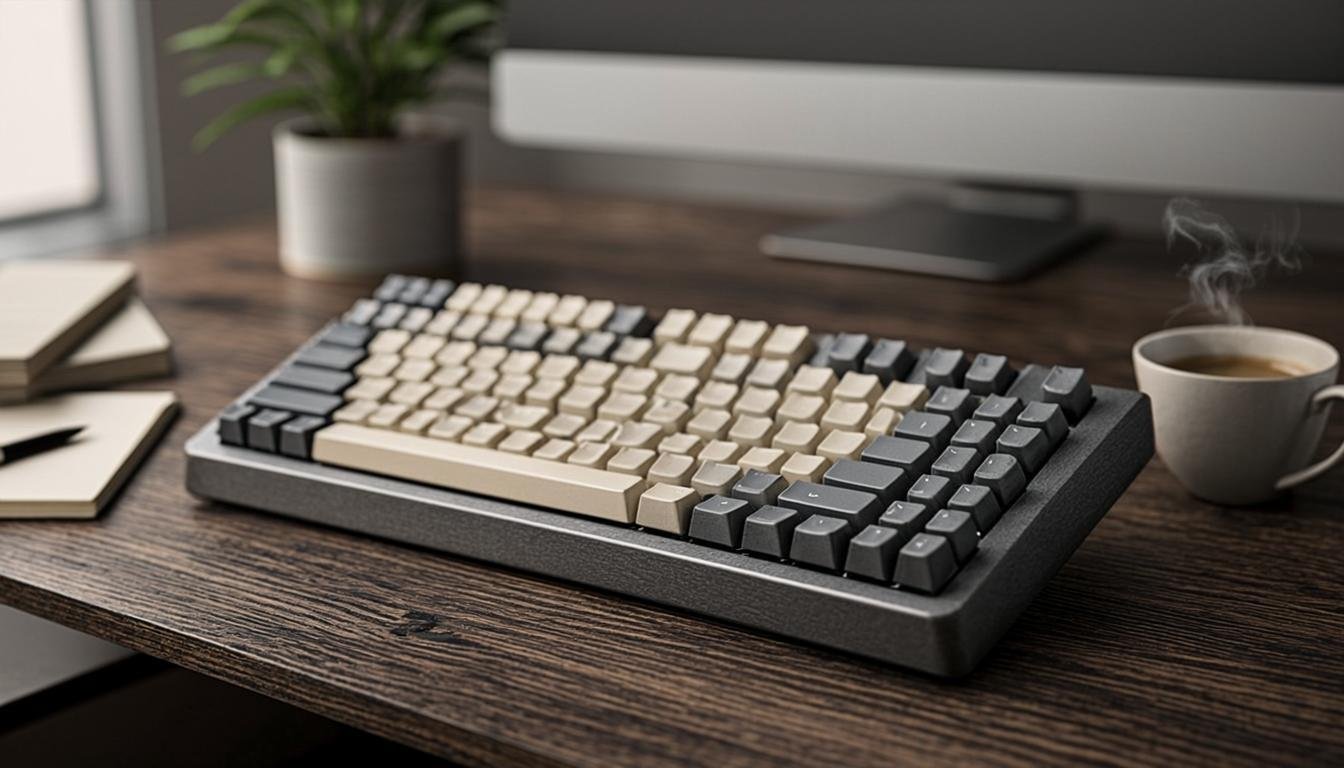
The Keychron K3 is a low-profile wireless mechanical keyboard. It costs about $70 and has a compact 75% layout that saves desk space. It connects via Bluetooth or USB-C and has a rechargeable battery that lasts about a week of daily use.
The low-profile switches feel closer to a laptop keyboard than a traditional mechanical keyboard, which makes the transition easier.
Logitech K380
If you want something even cheaper and simpler, the Logitech K380 costs about $30. It is a compact Bluetooth keyboard that works with Windows, macOS, iOS, and Android. You can switch between three devices with a button press. It runs on AAA batteries that last for about two years.
I keep a K380 in my travel bag. It is small, cheap, and works with everything.
Portable monitor for mobile blogging
Sometimes you need more screen space but you are not at your home desk. A portable monitor lets you work with a dual screen setup anywhere.
ASUS ZenScreen MB16AMT
The ASUS ZenScreen is a 15.6-inch portable monitor that costs about $230. It has a built-in battery, so you do not need to plug it into a wall outlet. It connects via USB-C or micro-HDMI and has a built-in kickstand. The 1080p IPS panel looks good for its size.
Weighing about 2 pounds, it fits in most laptop bags. I use it when I travel and need to edit documents or review layouts.
LG Gram +View 16MQ70
This 16-inch portable monitor costs about $200 and connects via USB-C with a single cable for video and power. It has a built-in cover that doubles as a stand. The IPS panel has good color accuracy for the price.
Desk lamp with wireless charging
A good desk lamp is easy to overlook. But if you blog at night, you need proper lighting to avoid eye strain. A lamp with built-in wireless charging adds a useful function.
IKEA Tertial Work Lamp
The IKEA Tertial is a classic adjustable desk lamp that costs about $20. It has a steel shade, an adjustable arm, and a clamp base that attaches to the edge of your desk. It uses standard light bulbs, so you can choose the brightness and color temperature you prefer.
Anker PowerPort III with Wireless Charging Pad
This is not a lamp, but it is a wireless charging pad that costs about $30. It charges your phone while you work, keeping it off your desk and out of the way. It supports up to 15W fast charging for compatible phones.
USB hub for connecting everything
Laptops keep removing ports. Most modern laptops have two USB-C ports and nothing else. A USB hub gives you back the connections you need.
Anker 555 USB-C Hub
The Anker 555 costs about $55 and provides two HDMI ports, three USB-A ports, SD and microSD card readers, a USB-C data port, and 100W power delivery. It can drive two external monitors simultaneously.
Satechi USB-C Multi-Port Adapter
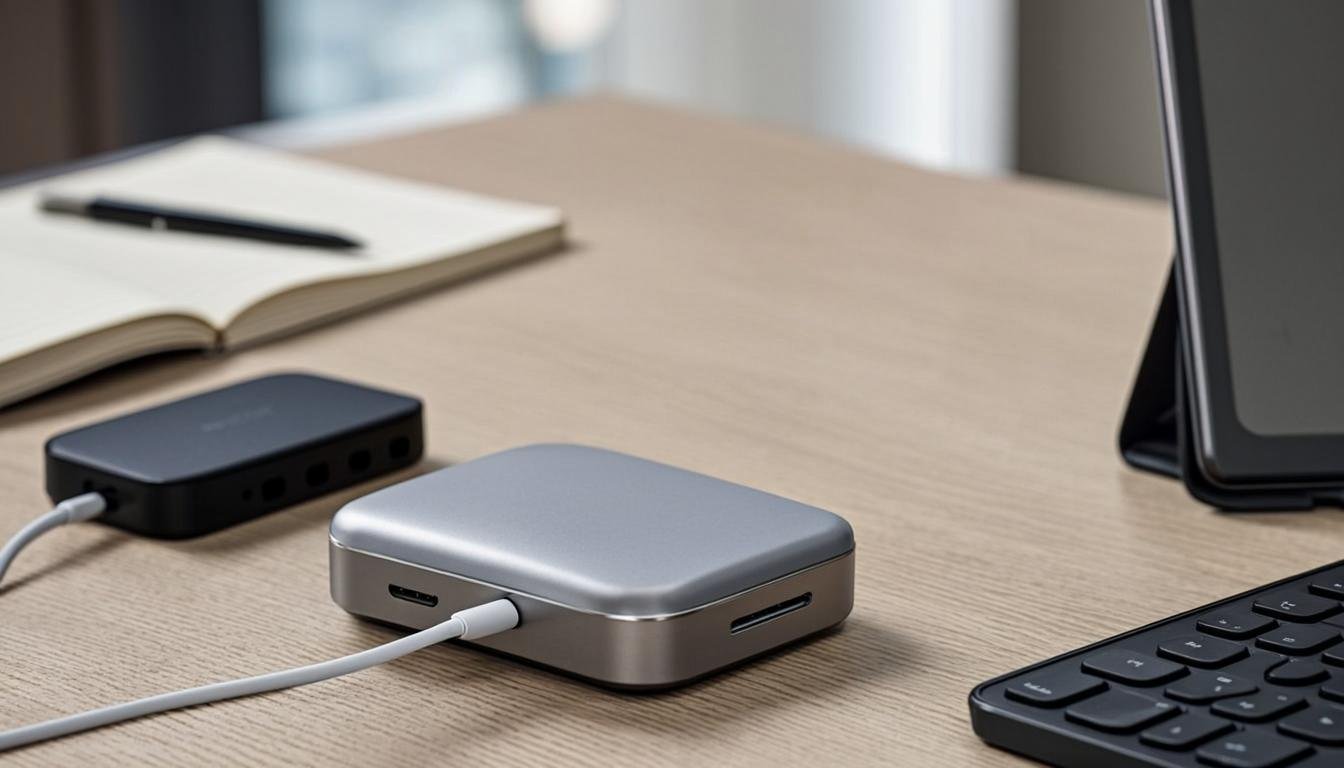
The Satechi adapter costs about $45 and includes HDMI, USB-A, USB-C, SD card reader, and Ethernet. It is well-built and looks professional. I keep one plugged into my laptop at all times.
Ergonomic mouse
If you blog for hours, a regular mouse can cause wrist pain. An ergonomic mouse reduces strain and keeps you comfortable.
Logitech MX Master 3S
The MX Master 3S costs about $100 and is widely considered one of the best productivity mice available. It has an electromagnetic scroll wheel that can spin freely for long documents, a side thumb wheel for horizontal scrolling, and customizable buttons. It connects via Bluetooth or the included USB receiver.
The ergonomics are excellent. Your hand sits at a natural angle, and the thumb rest keeps your hand comfortable during long sessions.
Logitech MX Ergo
The MX Ergo costs about $100 and uses a trackball instead of a traditional sensor. You move the cursor with your thumb instead of moving the mouse across your desk. It has a tilt angle adjustable between 0 and 20 degrees for a more natural wrist position.
Trackball mice are not for everyone, but if you have limited desk space or wrist issues, the MX Ergo is worth trying.
Screen protector and blue light filter
Staring at a screen all day is hard on your eyes. A blue light filter reduces the amount of blue light that reaches your eyes, which can reduce eye strain and improve sleep quality.
EyeJust Blue Light Blocking Screen Protector
EyeJust screen protectors cost about $40 to $50 depending on your device. They are certified to block up to 50% of blue light without distorting colors. You stick them on your screen like a regular protector, and they work passively without any software.
f.lux Software (Free)
If you do not want a physical filter, f.lux is free software that adjusts your screen color temperature based on the time of day. During the day, your screen looks normal. In the evening, it shifts to warmer colors. It is available for Windows, macOS, and Linux.
Both macOS and Windows also have built-in night light features. On macOS, go to Display settings and enable Night Shift. On Windows, go to Display settings and enable Night light.
Smart notebook for analog-to-digital workflow
Some bloggers prefer to brainstorm and outline on paper before moving to a screen. A smart notebook bridges the gap between handwriting and digital notes.
Rocketbook Core
The Rocketbook Core costs about $16 and works with any Pilot Frixion pen. You write or draw on the pages, then scan them with the Rocketbook app. The app sends your notes to cloud services like Google Drive, Evernote, or email. Then you wipe the pages clean with a damp cloth and reuse them.
I use the Rocketbook for brainstorming blog post ideas and outlining articles. The act of writing by hand helps me think differently than typing. The ability to digitize and erase means I never run out of pages.
Portable power bank
A dead battery stops your work. A portable power bank keeps your devices charged when you are away from an outlet.
Anker 737 Power Bank
The Anker 737 has a 24,000 mAh capacity and costs about $110. It can charge a laptop via USB-C at up to 140W, which is enough to keep most laptops running while you work. It also has USB-A ports for charging your phone, tablet, and other accessories.
Anker PowerCore 10000
If you only need to charge your phone and small devices, the PowerCore 10000 costs about $20 and has a 10,000 mAh capacity. It can charge an iPhone about two and a half times. It is small enough to fit in a pocket.
Microphone for podcasting and video content
If your blog includes a podcast or video content, audio quality matters. Built-in laptop microphones sound thin and pick up room noise.
Blue Yeti
The Blue Yeti is a USB condenser microphone that costs about $100. It has four pickup patterns: cardioid for solo recording, omnidirectional for group recordings, bidirectional for interviews, and stereo for music. It plugs directly into your computer with no extra equipment needed.
Rode NT-USB Mini
The Rode NT-USB Mini costs about $80 and is more compact than the Blue Yeti. It has a cardioid pickup pattern, a built-in pop filter, and a clean, professional sound. It also connects via USB and requires no extra gear.
Audio-Technica ATR2100x-USB
The Audio-Technica ATR2100x costs about $80 and is a moving-coil USB microphone. Moving-coil microphones are better at rejecting background noise, which makes them a good choice if you record in a noisy environment. It also works with XLR connections if you want to upgrade to a professional audio interface later.
Webcam for video calls and content
If you meet with clients on video calls or record video content for your blog, your laptop webcam is probably not good enough.
Logitech C920x
The Logitech C920x costs about $60 and has been the standard for webcams for years. It records at 1080p 30fps, has automatic light correction, and a built-in dual microphone. It works with Zoom, Google Meet, Skype, and OBS.
Elgato Facecam
The Elgato Facecam costs about $150 and is designed for content creators. It records at 1080p 60fps, has manual controls for brightness, contrast, and exposure, and works with Elgato's Camera Hub software for fine-tuning your image.
Phone gimbal for video content
If you shoot video for your blog using your phone, a gimbal keeps your footage smooth and professional.
DJI OM 6
The DJI OM 6 costs about $129 and is a 3-axis smartphone gimbal. It stabilizes your phone while you walk or move, and it has features like ActiveTrack, which follows a subject automatically. It folds down to a compact size and weighs about 11 ounces.
Zhiyun Smooth 5S
The Zhiyun Smooth 5S costs about $119 and offers similar stabilization to the DJI. It has a built-in fill light and a longer battery life. The controls are more complex, but the stabilization quality is excellent.
Digital timer for focused writing sessions
Distraction is the enemy of productivity. A simple timer helps you stay focused by using time-based techniques like the Pomodoro method.
Time Timer MOD
The Time Timer MOD costs about $35 and is a visual timer. As time passes, a red disc disappears, giving you a visual representation of how much time you have left. It is simple and effective. You set it for 25 or 50 minutes, and when the red is gone, you take a break.
Interval app on your phone
If you do not want a physical timer, most smartphones have built-in timer apps. The Pomodoro Technique involves working for 25 minutes, then taking a 5-minute break, then repeating. After four cycles, take a longer 15 to 30-minute break. There are many free Pomodoro apps available for both iOS and Android.
Desk organizer
A cluttered desk slows you down. Searching for a pen, a charging cable, or a specific SD card wastes time. A desk organizer keeps your essentials within reach.
OtterBox Symmetry Series Desktop Organizer
The OtterBox organizer costs about $30 and has compartments for pens, phones, cables, and accessories. It is made of silicone, so it grips items and prevents them from sliding around.
Simple Mesh Desk Organizer
A basic mesh desk organizer costs about $15 on Amazon. It has compartments for pens, sticky notes, paper clips, and small accessories. Nothing fancy, but it does the job.
Cable management
Cable clutter is ugly and distracting. Managing your cables keeps your workspace clean and makes it easier to move things around when you need to.
JOTO Cable Management Sleeve
The JOTO sleeve costs about $10 for a pack of two. It is a zip-up neoprene sleeve that holds multiple cables together. You run your power, USB, and display cables through it, zip it up, and your desk looks instantly cleaner.
Cable clips
Self-adhesive cable clips cost about $8 for a pack of 10. You stick them to your desk edge and route cables through them. This keeps cables from falling behind your desk when you unplug them.
Standing desk mat
If you have a standing desk or you alternate between sitting and standing, a mat makes standing comfortable enough to do for longer periods.
Topo Comfort Mat
The Topo Comfort Mat by Ergodriven costs about $90. It has a terrain-like surface with different height zones that encourage you to shift your weight and move your feet. This is better for circulation than standing flat on a hard floor.
Imprint CumulusPRO Mat
The Imprint CumulusPRO costs about $70 and is a thicker, cushioned mat. It provides support for your feet and knees. It does not encourage as much movement as the Topo, but some people prefer a flat, soft surface.
External webcam ring light
Good lighting makes you look better on video calls and in video content. A ring light provides even, flattering illumination.
Logitech Litra Glow
The Logitech Litra Glow costs about $60 and is a compact LED light designed for video calls and streaming. It clips onto your monitor and has adjustable brightness and color temperature. It is small enough to fit in a laptop bag.
Neewer 10-inch Ring Light Kit
The Neewer ring light kit costs about $35 and includes a 10-inch LED ring light, a tripod stand, and a phone holder. It is larger than the Logitech option and provides more light. Good for video recording rather than quick video calls.
Document scanner for receipt and note digitization
If you track business expenses for tax purposes, a document scanner saves you from drowning in paper. Blogging has real business costs like hosting, software subscriptions, and equipment purchases, and you need to keep records.
Fujitsu ScanSnap iX1300
The Fujitsu ScanSnap iX1300 costs about $250 and can scan both sides of a document at once. It is fast, compact, and works with both Mac and Windows. The included software organizes receipts and documents automatically. You can scan directly to cloud services like Google Drive, Dropbox, or QuickBooks.
Epson WorkForce ES-50
The Epson ES-50 is a portable sheet-fed scanner that costs about $120. It is smaller than a ream of paper and connects via USB. It scans a single page in about 5.5 seconds. Good if you have limited desk space and only need to scan occasionally.
I use a scanner to digitize all my receipts at the end of each month. It takes about ten minutes and saves me from a messy shoebox full of paper at tax time.
Noise machine for focus
Background noise can be distracting, especially if you work from home with family members or roommates. A noise machine creates a consistent sound environment that helps you focus.
LectroFan Classic
The LectroFan Classic costs about $35 and produces 10 fan sounds and 10 white noise variations. It is small, has a volume control, and can run all day on AC power. I use it daily to block out household noise while I write.
Marpac Dohm
The Marpac Dohm costs about $40 and uses an internal fan to create natural white noise. It does not loop digital sounds, so there is no repetitive pattern that your brain can latch onto. It sounds more natural than electronic noise machines.
How to build your gadget setup on a budget
You do not need to buy everything at once. Here is a suggested order of purchases based on impact.
First, get a laptop stand and external keyboard. These cost about $75 total and make an immediate difference in comfort. Your neck and wrists will thank you.
Second, get a USB hub. At about $45, it solves the port problem and lets you connect everything without constant plugging and unplugging.
Third, get a portable SSD. At about $70 to $90, it gives you fast, reliable storage for all your blog files.
Fourth, get a WiFi extender if you have signal issues. About $100 for a good one, and it eliminates the frustration of dropped connections.
After that, add items based on your specific needs. A microphone if you podcast, a webcam if you do video calls, a monitor light if you work at night, a standing desk mat if you stand while working.
Spread the purchases over a few months. Each item will start paying for itself in productivity gains almost immediately.
For more tips on building your blogging career and finding freelance opportunities, visit BloggingJobsHub.com. You will find job listings and resources to help you grow.
FAQ: Best gadgets that improve blogging productivity
What gadgets do bloggers actually need?
The essentials are a laptop stand, external keyboard, USB hub, and portable SSD. These four items solve the most common productivity problems bloggers face: poor ergonomics, limited ports, and slow file transfers.
Do expensive gadgets make a big difference?
Some do, some do not. A $100 keyboard is nicer than a $30 keyboard, but both let you type. A $200 portable monitor, on the other hand, genuinely adds a second screen that was not there before. Focus on gadgets that add new capabilities rather than marginal improvements to things you already have.
Are portable monitors worth it for bloggers?
If you work from multiple locations, a portable monitor is absolutely worth it. It gives you dual screen capabilities anywhere, which is especially useful when you are editing, researching, and writing simultaneously.
What is the best budget gadget for bloggers?
The Logitech K380 keyboard at $30 is one of the best budget purchases. It works with any device, lasts for two years on AAA batteries, and takes up very little space. Pair it with a $20 laptop stand and you have a significantly more comfortable workspace for under $50.
Do I need a special microphone for blogging?
Only if your blog includes audio or video content. If you just write text, your laptop microphone is fine for occasional video calls. But if you record podcasts, shoot videos, or have frequent client meetings, a USB microphone like the Blue Yeti ($100) makes a noticeable difference in audio quality.
How do I manage all the cables from these gadgets?
Use a cable management sleeve to bundle cables together, and cable clips to route them along your desk edge. A power strip with USB ports reduces the number of chargers you need. Keep cables organized from the start so they do not become a tangled mess later.
Should I buy a standing desk or just a desk mat?
If you already have a desk, a standing desk mat is a cheap way to try standing while you work. If you are buying a desk from scratch, consider a height-adjustable standing desk like the FlexiSpot E7 at about $400. Alternating between sitting and standing throughout the day is better for your health than staying in one position.
Are smart notebooks like Rocketbook actually useful for bloggers?
Smart notebooks are useful during the brainstorming and outlining phase. Many bloggers find that writing by hand helps them think more creatively. The Rocketbook's ability to digitize notes means you can keep everything organized in your cloud storage without losing your handwritten ideas.
What is the single most important gadget for a new blogger?
A laptop stand. It costs $20 to $50 and immediately improves your posture and comfort. You will spend less time at the chiropractor and more time writing. Everything else is secondary to being comfortable while you work.
How much should I budget for blogging gadgets?
A solid setup of the essential gadgets (laptop stand, keyboard, USB hub, and portable SSD) costs about $200 to $250. You can add items gradually over time. The total for all the gadgets in this article would be around $800 to $1200, but you do not need all of them.
Wrapping up
The right gadgets remove friction from your blogging workflow. You spend less time dealing with technical problems and more time creating content. Start with the basics, add items as you identify specific needs, and do not feel pressured to buy everything at once. Productivity tools only help if you actually use them, so choose the ones that solve problems you genuinely face.
Visit BloggingJobsHub.com for more resources on finding blogging jobs and building your freelance writing career.