

I wrote my first paid blog post on a nine-year-old laptop that took four minutes to boot up. The client never knew. They just cared about the words.
That experience taught me something important. When it comes to blogging jobs, the machine you write on matters less than most people think. But it does matter. And choosing between a laptop and a desktop is one of the first decisions you will face.
BloggingJobsHub.com is created by an individual to help you find AI, WordPress, Article Writing and Blogging Jobs, and teach you skills to work long-term. And the question I get asked most often is some version of "what computer should I buy for blogging?"
Let me give you a real answer. Not a generic "it depends." A real, honest breakdown based on what bloggers actually need.
Why This Decision Matters for Bloggers
Bloggers have different needs than gamers, video editors, or software developers. You do not need a dedicated graphics card. You do not need 64GB of RAM. You need a machine that can run a browser with 15 tabs open, a word processor, and maybe an image editor without lagging.
That narrows things down considerably. But the laptop versus desktop question is still worth thinking about because it affects where you can work, how much you spend, and how long your equipment lasts.
I have used both extensively for blogging work. I am going to tell you exactly what the tradeoffs are so you can make a decision that fits your life and budget.
The Case for a Laptop
Laptops are the default choice for most bloggers. And for good reason. Here is why.
Portability Changes How You Work
This is the biggest advantage and it is hard to overstate. With a laptop, you can write at your desk, on your couch, at a coffee shop, in a library, or at a co-working space.
I do my best writing at coffee shops. Something about the background noise and the change of scenery helps me focus. That would not be possible with a desktop.
If you travel at all, a laptop is not optional. It is essential. I know bloggers who work from Bali, Portugal, and Mexico. None of them are carrying desktop computers.
Laptops Are Good Enough Now
Ten years ago, laptops were significantly weaker than desktops. That gap has closed almost completely. A modern laptop with a decent processor and 16GB of RAM can handle everything a blogger throws at it.
WordPress runs fine on any laptop made in the last five years. Google Docs runs fine. Even lightweight image editing with Canva or Photoshop Elements is no problem.
Easy Setup and Low Footprint
Laptops take up very little space. You open them and start working. No monitor cables, no keyboard connections, no power strip management. This is a real advantage if you live in a small apartment or share a workspace.
When I moved into a 500-square-foot studio, my laptop was a lifesaver. A desktop setup would have eaten half the room.
You Can Still Create a Desktop-Like Experience
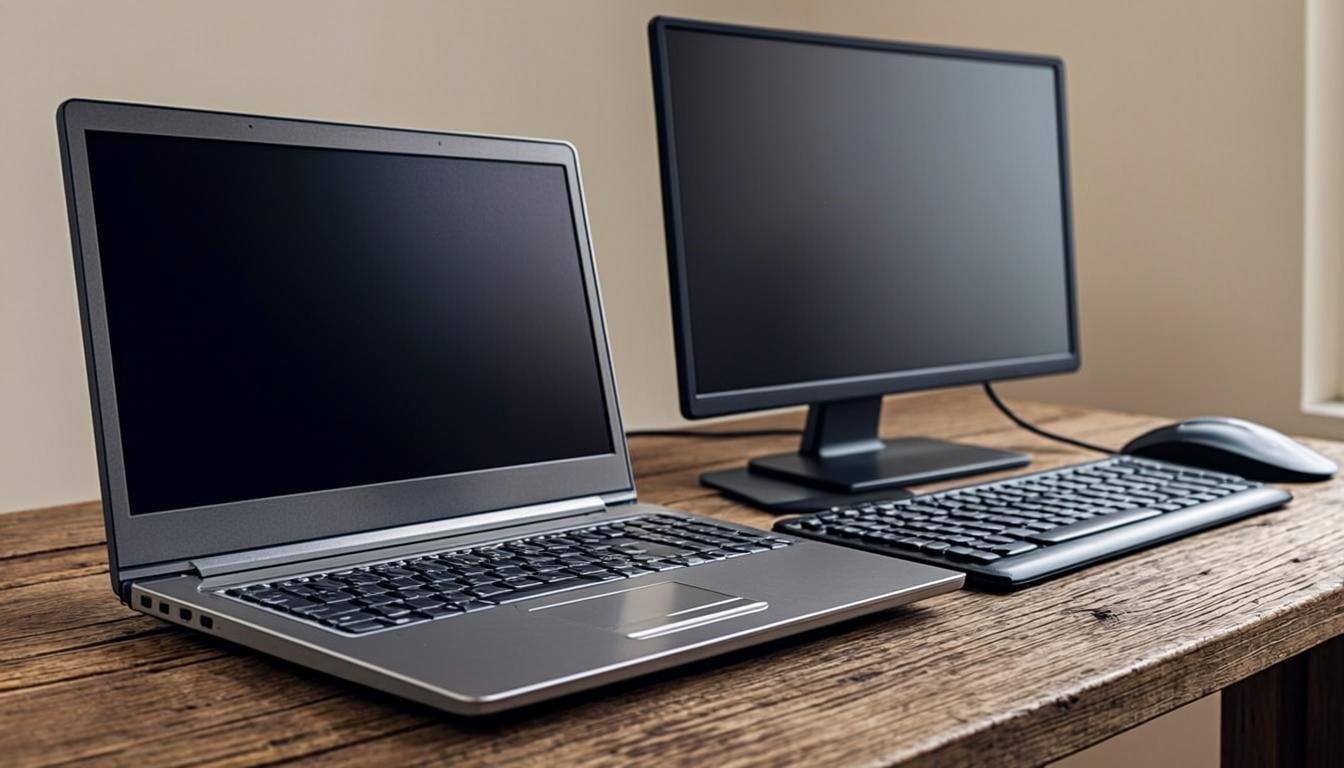
Want the laptop portability but the desktop ergonomics? You can have both. Many bloggers use their laptop at a desk with an external monitor, keyboard, and mouse connected. When it is time to leave, you unplug one cable and go.
A laptop dock makes this even easier. The CalDigit TS4 ($300) gives you 18 ports. Connect your monitor, keyboard, mouse, external drive, and charging cable to the dock. Then just plug your laptop in with a single USB-C cable. Everything lights up instantly.
Great Laptop Options for Bloggers
Apple MacBook Air M2 (13-inch): $999-$1,199. This is the laptop I recommend most often for bloggers. The M2 chip is fast, battery life is 15-18 hours, and the machine is whisper quiet. It handles WordPress, writing apps, and light image editing without breaking a sweat. The 8GB RAM / 256GB SSD base model is fine for most bloggers, but I would spend the extra to get 16GB RAM if you keep lots of browser tabs open.
Apple MacBook Air M3 (13-inch): $1,099-$1,499. The newer M3 chip is about 20% faster than M2, but for blogging work, you probably will not notice the difference. Only worth the upgrade if the price difference is small or you plan to keep the laptop for five-plus years.
Dell XPS 13: $999-$1,499. The best Windows laptop for bloggers who prefer Windows. Excellent display, good keyboard, and battery life around 10-12 hours. The 2024 model with Intel Core Ultra processors is fast and efficient.
ASUS Zenbook 14: $699-$999. A strong budget option. Lightweight, good battery life, and a surprisingly good keyboard for the price. The OLED display is gorgeous for reading and editing.
Lenovo IdeaPad Flex 5 (14-inch): $499-$699. A 2-in-1 laptop that doubles as a tablet. Not the fastest machine, but perfectly adequate for writing and light blogging tasks. Great if you are on a tight budget.
The Case for a Desktop
Desktops get less attention in the blogging world, but they have some real advantages that laptops cannot match.
You Get More Performance Per Dollar
This is the clearest advantage of a desktop. For the same price as a $1,000 laptop, you can build or buy a desktop that is significantly faster with more storage and better components.
A $700 desktop tower will outperform a $1,000 laptop in every meaningful way. More RAM, faster processor, larger storage, better cooling. The same money goes further.
Desktops Last Longer
Laptops have limited upgrade options. You can usually add more storage or maybe more RAM, but you cannot swap the processor or graphics card. When a laptop gets slow, you replace the whole thing.
Desktops are different. You can upgrade individual components as needed. New processor in three years? Sure. More RAM? Easy. Bigger hard drive? No problem. A desktop bought today can remain relevant for five to seven years with targeted upgrades.
The first desktop I used for blogging lasted six years. I replaced the hard drive once and added RAM once. Total upgrade cost: about $120. Try doing that with a laptop.
Better Ergonomics
You can set up a desktop workstation exactly how you want it. Monitor at eye level. Keyboard at the right height. Mouse positioned properly. This sounds minor until you spend eight hours a day at your computer.
The Mayo Clinic recommends positioning your monitor so the top of the screen is at or slightly below eye level. With a laptop, you are always looking down. Over time, that causes neck and shoulder pain.
I dealt with neck pain for a year before I finally bought a monitor arm and set up my screen at the right height. The difference was immediate. My neck stopped hurting within a week.
More Screen Space
A large monitor (or two monitors) changes how you work. You can have your writing on one screen and your research on another. Or WordPress open on one monitor and your image editor on the other.
For bloggers who manage multiple sites or work with lots of open tabs, dual monitors are a productivity boost. And they are much cheaper to set up with a desktop.
Quieter Operation
Laptop fans spin up when you have too many tabs open. Desktops, especially well-built ones, run quieter because they have more room for larger fans and better cooling.
If you record videos or podcasts alongside your blog, a quiet workspace matters. The fan noise on some laptops is audible on microphone recordings.
Great Desktop Options for Bloggers
Apple Mac mini M2: $599-$799. This is a phenomenal little machine. The M2 chip is fast, it is practically silent, and it takes up almost no desk space. Pair it with any monitor, keyboard, and mouse you want. With 16GB RAM and 256GB SSD, it costs $799 and handles blogging work without breaking a sweat.
Apple Mac mini M4: $599-$1,399. The newest Mac mini is even faster and starts at the same price. The base model with 16GB RAM ($599 + $200 for the RAM upgrade) is probably the best value desktop for bloggers who prefer macOS.
Dell Inspiron Desktop (3020): $479-$699. A solid Windows desktop with Intel Core i5, 16GB RAM, and 512GB SSD. Not the most exciting machine, but it does everything a blogger needs at a fair price.
HP Pavilion Desktop: $449-$649. Similar specs to the Dell. Intel Core i5, 16GB RAM, 512GB SSD. Reliable and reasonably priced.
Custom-built PC: $500-$1,000. If you are comfortable building your own, you can get exactly what you want for less money. Sites like PCPartPicker.com help you pick compatible components. An AMD Ryzen 5 5600 processor ($120), 16GB DDR4 RAM ($40), 500GB NVMe SSD ($45), and a basic case with power supply ($100) gets you a capable machine for about $500 before adding a monitor, keyboard, and mouse.
Cost Comparison: Laptop vs Desktop for Bloggers
Let me put some numbers on this. I will compare setups at three price points.
Budget Setup (Under $700 Total)
Laptop route: Lenovo IdeaPad Flex 5 at $549 + $40 wireless mouse. Total: $589.
Desktop route: HP Pavilion Desktop at $449 + $120 for a 24-inch monitor (AOC 24G2SPU) + $20 keyboard and mouse combo. Total: $589.
At this price point, both options are similar in total cost. The desktop gives you slightly better performance. The laptop gives you portability.
Mid-Range Setup ($800-$1,200 Total)
Laptop route: MacBook Air M2 at $999 (8GB/256GB) or $1,099 (8GB/512GB). That is your whole setup.
Desktop route: Mac mini M2 at $599 (8GB/256GB) + $200 monitor (LG 27MP400) + $100 keyboard and trackpad + $50 monitor arm. Total: $949. Or get 16GB RAM and spend about $1,049 total.
The desktop setup costs about the same or slightly less, and you get a proper monitor and ergonomic accessories included. The laptop setup is simpler and more portable.
Premium Setup ($1,500-$2,500 Total)
Laptop route: MacBook Air M3 at $1,299 (16GB/512GB) + $129 LG 27-inch portable monitor + $99 monitor stand + $99 keyboard and mouse. Total: about $1,626.
Desktop route: Mac mini M4 at $799 (16GB/256GB) + $400 dual monitor setup (two LG 27MP400 monitors at $200 each) + $200 monitor arms + $99 keyboard and trackpad. Total: about $1,498.
At the premium level, the desktop gives you significantly more screen space and upgradeability for the same money.
What About Monitors
If you go the desktop route, or if you plan to use your laptop with an external monitor, here are the options worth considering.
LG 27MP400: $130-$160. A 27-inch IPS monitor at 1080p. Great value for the price. Colors are accurate, the stand is adjustable, and 27 inches is a sweet spot for most desk setups.
Dell S2722QC: $250-$320. A 27-inch 4K USB-C monitor. Beautiful sharp text and colors. The USB-C connection means one cable carries video, data, and power. Perfect for laptop users.
LG UltraFine 5K (27MD5KL): $1,299. Yes, this is expensive. But if you use a Mac and want the best visual experience, this is it. The text clarity at 5K is unreal. I would only recommend this if you are a serious professional who spends 8+ hours daily at the screen.
Portable monitors: If you want a second screen you can take with you, consider the LG Gram +View 16MR70 ($249-$299) or the ASUS ZenScreen MB16AC ($179-$229). They connect via USB-C and weigh about two pounds.
Do You Need Dual Monitors for Blogging
No. You do not need dual monitors. Many successful bloggers work on a single screen. I wrote thousands of blog posts on a single 13-inch laptop screen.
But dual monitors are nice. Having your research on one screen and your writing on the other reduces the tab-switching that breaks your flow. If you can afford it, you will appreciate the setup.
One good approach is to start with one monitor. See how it feels. If you find yourself constantly switching between tabs and windows, add a second one later.
Keyboards: Why They Matter for Bloggers
Bloggers type. A lot. Your keyboard is the one tool you use more than anything else. Do not cheap out on it.
Mechanical Keyboards for Blogging
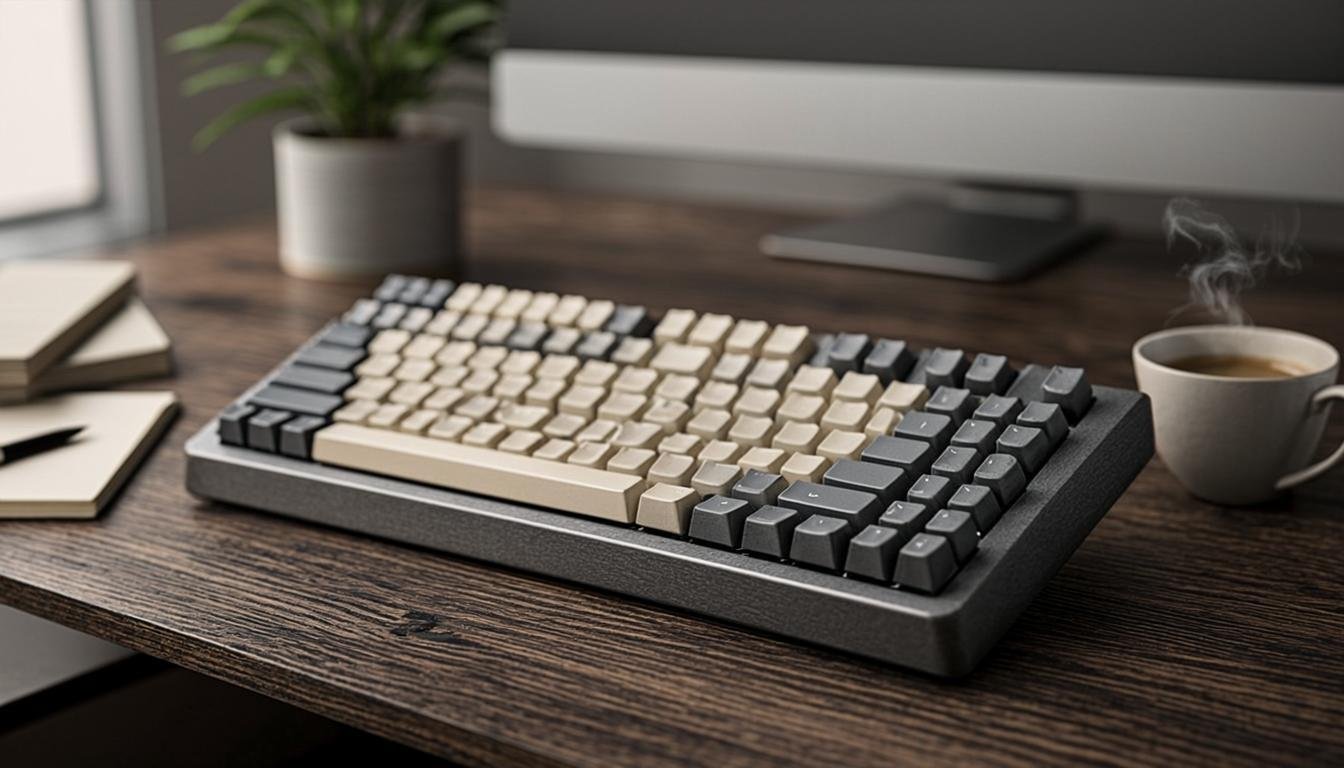
Mechanical keyboards have individual switches under each key. They feel better, last longer, and give you satisfying tactile feedback when you type. Once you switch to mechanical, you will not go back.
Keychron K2 (wireless mechanical): $65-$75. A tenkeyless wireless mechanical keyboard with a choice of switches. I use this one daily. The Brown switches are quiet enough for office use but still feel great. Battery lasts about two months with moderate use.
Keychron V3: $70-$85. Similar quality but with a more compact 75% layout. Saves desk space.
Logitech MX Keys: $99-$110. Not mechanical, but this is the best non-mechanical keyboard I have used. Low-profile keys, backlit, works with Mac, Windows, and iOS/Android. Slim and professional looking.
Logitech MX Mechanical: $129-$150. A mechanical version of the MX Keys. Tactile quiet switches, smart backlighting, multi-device support. My top pick for bloggers who want premium quality.
Cheap Keyboards That Are Actually Good
Logitech K380: $30-$40. A compact wireless keyboard that works with three devices. Not mechanical, but the keys feel decent and the battery lasts two years. Perfect if you are on a tight budget.
Microsoft Bluetooth Keyboard: $35-$50. Slim, simple, and reliable. No frills, just a keyboard that works.
Mice and Trackpads
You will be clicking and scrolling all day. A good pointing device matters.
Logitech MX Master 3S: $99-$100. The best mouse for productivity. MagSpeed scrolling is incredible for long documents. Side buttons can be programmed for back/forward navigation. Ergonomic shape. Works on any surface. I have used this mouse for four years and it still works perfectly.
Logitech M720 Triathlon: $40-$50. A budget alternative with three device buttons, programmable buttons, and good battery life. Not as refined as the MX Master but gets the job done.
Apple Magic Trackpad: $129. If you use a Mac, this pairs perfectly. Gestures like swiping between full-screen apps and pinch-to-zoom become second nature. Some bloggers prefer trackpads over mice, and this is the best one.
Storage: How Much Do You Need
Bloggers do not generate massive files. Word documents are tiny. Even images for blog posts are typically under 5MB each. You do not need terabytes of storage.
Minimum: 256GB SSD. This is fine if you store most of your files in the cloud (Google Drive, Dropbox, iCloud).
Recommended: 512GB SSD. Gives you breathing room for local files, cached browser data, and installed applications.
Overkill for most bloggers: 1TB+ SSD. Only necessary if you store lots of images, videos, or other large files locally.
External storage is always an option too. A Samsung T7 500GB portable SSD ($65-$80) is fast, tiny, and plugs in via USB-C. Great for backups and extra storage.
RAM: How Much Memory Do Bloggers Need
RAM determines how many applications and browser tabs you can have open at once without your computer slowing down.
4GB RAM: Forget it. Not enough for modern computing.
8GB RAM: The bare minimum. You can write and browse, but heavy multitasking will cause slowdowns.
16GB RAM: The sweet spot for bloggers. Run a browser with 20+ tabs, a word processor, an image editor, Spotify, and Slack without issues. Spend the extra money for this.
32GB RAM: Only needed if you run virtual machines, do serious photo or video editing, or have an unusual number of applications open simultaneously.
If you are buying a Mac with Apple Silicon, note that RAM is soldered and cannot be upgraded later. Get 16GB from the start. With Windows laptops and desktops, you can often add more RAM later, so 8GB is acceptable if you plan to upgrade.
WordPress and CMS Performance Considerations
If you manage WordPress sites, your computer needs to handle a browser running WordPress with multiple plugins, possibly a page builder like Elementor, and media editing. Here is what that looks like in practice.
Chrome with WordPress admin open: 500MB-1GB RAM just for the browser tab.
Elementor page builder: Another 500MB-1GB RAM.
Gutenberg editor: Lighter, about 300-500MB per tab.
Image editing (Canva or Photoshop): 500MB-2GB RAM depending on image size.
Background apps (Slack, email, music): 500MB-1GB combined.
Total realistic usage: 4-8GB RAM for a focused work session. With 16GB, you have plenty of headroom. With 8GB, you might need to close some tabs when using heavy tools like Elementor.
I run Elementor on my MacBook Air M2 with 16GB RAM regularly. It works fine. I have tried it on 8GB machines too, and it works, just slower when saving and loading pages.
What About Chromebooks for Blogging
Chromebooks are cheap, simple, and surprisingly capable for basic blogging work. If you use Google Docs, WordPress in a browser, and cloud storage, a Chromebook can handle everything you need.
Acer Chromebook Spin 514: $369-$479. A solid mid-range Chromebook with a 14-inch touchscreen, good keyboard, and 8GB RAM. Battery life is around 10 hours.
Lenovo Chromebook Duet 5: $299-$379. A tablet with a detachable keyboard. Good for writing on the go but the small keyboard takes some getting used to.
The limitation of Chromebooks is offline capability. Without an internet connection, you lose access to most of your tools. If your internet is unreliable, this is a problem.
Chromebooks also struggle with image editing. You can use web-based tools like Canva, but anything beyond basic edits gets difficult.
I would only recommend a Chromebook if your budget is under $400 and your blogging work is primarily text-based.
Battery Life: A Real-World Consideration
If you write at coffee shops, libraries, or co-working spaces, battery life matters. There is nothing worse than hunting for an outlet when you are in the middle of a draft.
MacBook Air M2/M3: 15-18 hours of real-world use. The best in the business. You can leave your charger at home.
Dell XPS 13: 10-12 hours. Good enough for a full day of work.
ASUS Zenbook 14: 10-14 hours. Solid.
Lenovo IdeaPad Flex 5: 7-10 hours. Adequate but not impressive.
Desktops obviously do not have battery considerations. They run on wall power. But that means if the power goes out, you stop working. A UPS (which I covered in the internet setup guide) solves this.
Software Costs for Bloggers
The hardware is only part of your expense. Here are the software tools many bloggers use and what they cost.
Writing apps: Google Docs (free), Microsoft 365 ($6.99/month or $69.99/year), Scrivener ($59 one-time), Obsidian (free).
Image editing: Canva Free (free), Canva Pro ($12.99/month), Adobe Photoshop Elements ($99.99 one-time), Affinity Photo ($69.99 one-time).
WordPress tools: Elementor Pro ($59/year for one site), Astra Pro ($59/year), Rank Math Pro ($59/year).
Productivity: Notion (free for personal use), Todoist (free for basic, $4/month for Pro), Toggl Track (free for basic time tracking).
Total annual software cost for a typical blogger: $100-$300 depending on what tools you choose.
How Your Choice Affects Blogging Jobs
If you are taking on blogging jobs through platforms like BloggingJobsHub.com, your computer choice matters in a few specific ways.
Client communication: You need a reliable machine for email, Slack, and video calls with clients. Both laptops and desktops handle this fine.
Content management: If you are managing WordPress sites for clients, you want a stable connection and enough RAM for browser-heavy work. A desktop with an ethernet connection has a slight edge here.
Deadlines: Laptops let you work anywhere, which means you can meet deadlines even when you are not at your desk. This flexibility matters when you juggle multiple clients.
Specialized work: If a client asks for image creation or basic video editing, a desktop with a larger screen makes the work easier. But a laptop with an external monitor is just as good.
My Recommendation Based on Your Situation
I know I said "it depends" is a cop-out, so let me be specific.
Get a laptop if: You travel, you work from different locations, you have limited desk space, you are just starting out and want flexibility, or you sometimes work at coffee shops.
Get a desktop if: You have a dedicated home office, you prefer large screens, you want to save money on upgrades over time, or you do not need to work outside your home.
Get both if: You can afford it and you want the best of both worlds. A cheap desktop for your desk plus a laptop for travel. A Mac mini ($599) paired with a budget laptop ($500-$600) gives you a complete setup for about $1,200.
If I had to pick just one, I would choose a laptop. The MacBook Air M2 or M3 with 16GB RAM. It handles everything, goes anywhere, and lasts all day. Connect it to an external monitor at home and you get a desktop-like experience.
Frequently Asked Questions
Is a laptop or desktop better for blogging?
For most bloggers, a laptop is the better choice because of portability and the fact that modern laptops are powerful enough for all blogging tasks. A desktop makes sense if you work exclusively from a dedicated home office and want better ergonomics or more performance per dollar.
Do I need a powerful computer for blogging?
No. Blogging is not resource-intensive. Any computer with a modern processor, 16GB RAM, and a 256GB SSD will handle blogging work fine. You do not need a dedicated graphics card or a high-end processor. Save your money for a good keyboard and monitor instead.
How much RAM do I need for WordPress?
16GB RAM is ideal. WordPress admin with page builders like Elementor can use 1-2GB of RAM per browser tab. With 16GB, you can comfortably run WordPress, multiple browser tabs, and background apps. 8GB works but you may experience slowdowns with heavy multitasking.
Is a Chromebook good enough for blogging?
Chromebooks work for basic text-based blogging if you use web tools like Google Docs and WordPress. They struggle with image editing and are limited without an internet connection. A Chromebook is a reasonable option if your budget is under $400.
Should I buy a Mac or Windows computer for blogging?
Either platform works fine for blogging. MacBooks have better battery life and build quality per dollar. Windows machines offer more choices and lower prices at the budget end. Choose based on what you are comfortable with and what fits your budget.
Can I use a tablet for blogging jobs?
An iPad with a keyboard case can work for writing, but managing WordPress sites and doing anything beyond basic text editing gets frustrating on a tablet. For serious blogging work, a laptop or desktop is strongly recommended.
How long should a blogging computer last?
A good laptop should last 4-6 years. A desktop can last 5-7 years with component upgrades. Apple Silicon Macs tend to have longer useful lifespans than older Intel-based machines. Buy a machine with at least 16GB RAM to extend its useful life.
Do I need an external monitor for blogging?
No, but most bloggers who use one say it improves their workflow. An external monitor lets you see your research and writing side by side. Start without one and add it later if you feel the need.
Is it worth buying a mechanical keyboard for blogging?
Yes. Bloggers type thousands of words per day. A mechanical keyboard reduces finger fatigue, lasts longer, and makes the writing experience more enjoyable. The Keychron K2 at $65 is a great starting point.
What is the best budget laptop for bloggers?
The Lenovo IdeaPad Flex 5 ($499-$699) and ASUS Zenbook 14 ($699-$999) are the best budget options for bloggers. Both offer good keyboards, decent performance, and enough RAM for blogging work.
Should I get an SSD or HDD for blogging?
Always get an SSD (Solid State Drive). They are dramatically faster than traditional hard drives for opening apps, loading websites, and saving files. The difference is night and day. Avoid any computer that only comes with an HDD.
Can I use a desktop monitor with my laptop?
Yes. Most laptops have an HDMI, DisplayPort, or USB-C output. You can connect one or two external monitors and use your laptop screen as a third, creating a multi-monitor setup that rivals a desktop.
BloggingJobsHub.com is created by an individual to help you find AI, WordPress, Article Writing and Blogging Jobs, and teach you skills to work long-term. Visit BloggingJobsHub.com to find your next blogging opportunity and start building your writing career.


Best budget tablets for content writing
Best internet setup for remote workers